Building a profitable store is less about luck and more about getting a handful of fundamentals right. This guide is a map of how to sell online with Shopify: each section below gives you the essentials, then points you to a longer, focused deep-dive.
- Start with a fast Shopify theme, not just a pretty one.
- Navigation should guide shoppers to checkout in fewer taps.
- Traffic only scales profit when the store converts.
Pick a theme that sells, not just looks good
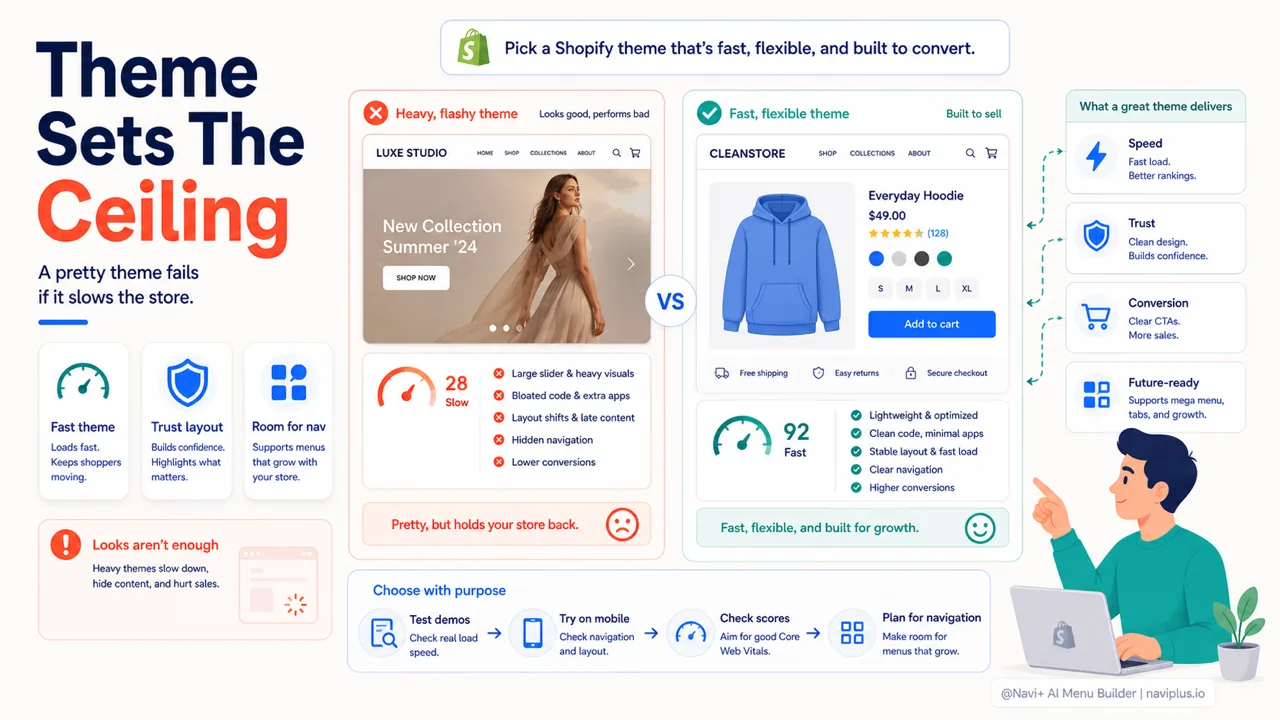
Your theme sets the ceiling for speed, trust, and conversion. The trap most new stores fall into is choosing for looks — heavy sliders and autoplay video that tank mobile performance. Prioritise a fast, flexible Shopify store setup foundation, and leave room for the navigation you’ll add next.
Deep-diveRead the full guide → Choosing the right Shopify theme
Make navigation do the selling
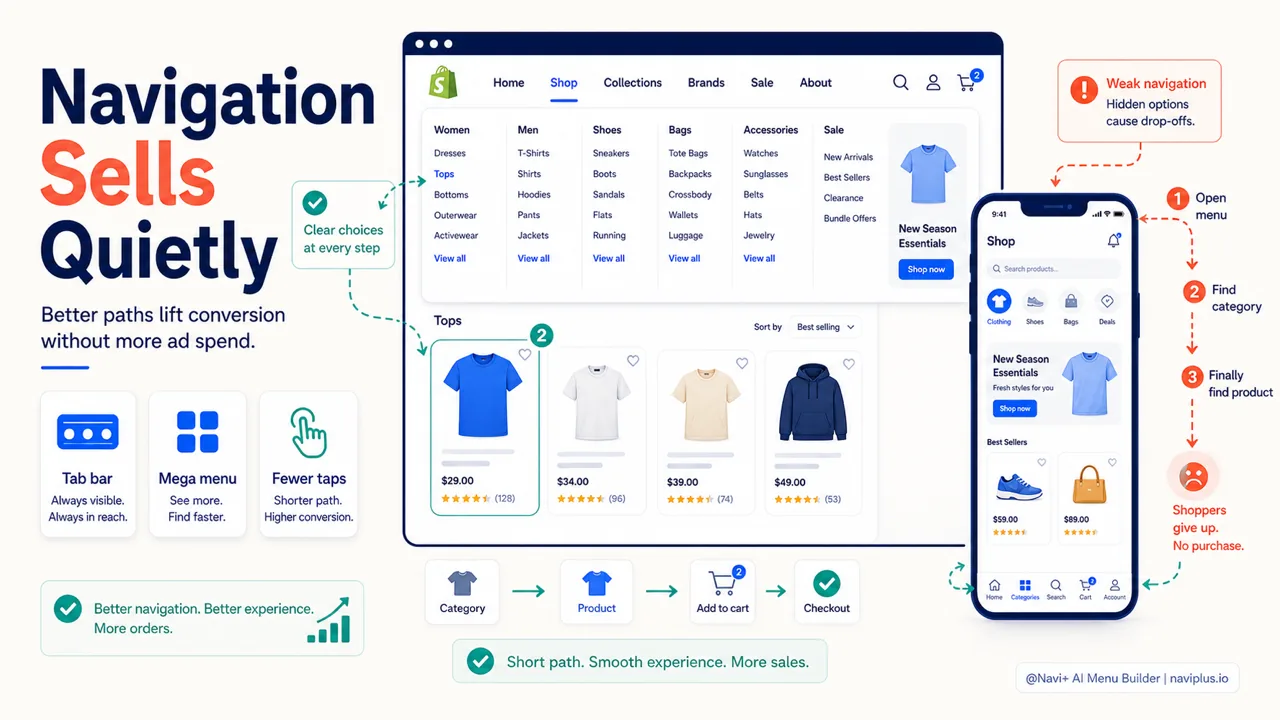
Most stores lose buyers because they can’t find what they want. A strong navigation — a tab bar on mobile, a mega menu on desktop — quietly lifts Shopify conversion without spending a cent more on ads. Get the structure right and shoppers reach checkout in fewer taps.
Deep-diveRead the full guide → Set up a high-converting navigation
Drive the right traffic, then convert it
Not all traffic is equal — focus on intent-rich channels first, then scale what works. But traffic only pays off if the store converts: speed, clarity, and trust are the three levers. Small improvements compound, and a faster path to checkout often beats a bigger ad budget.
The fastest way to grow is rarely more traffic — it’s removing the friction between a visitor and the buy button.
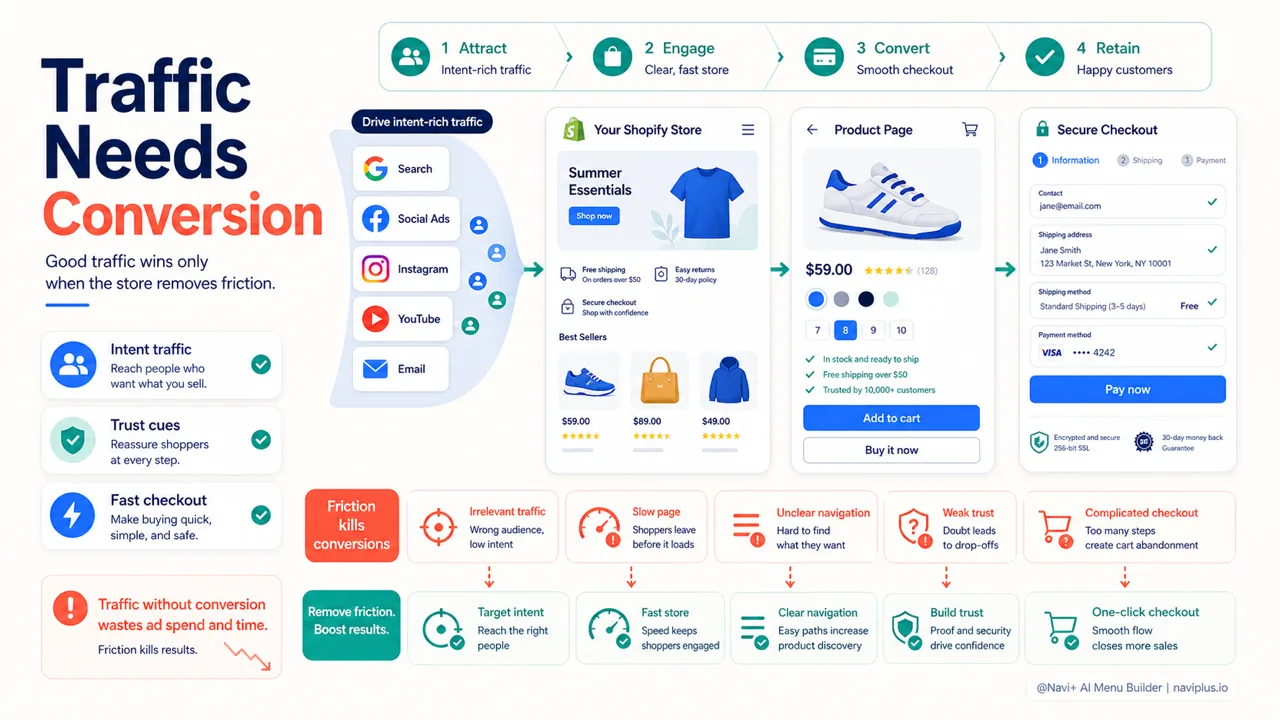
Conversion checkBefore buying more traffic, remove one source of friction from the path to checkout.
探索更多主题
本指南链接到一系列专题文章——逐一深入了解。